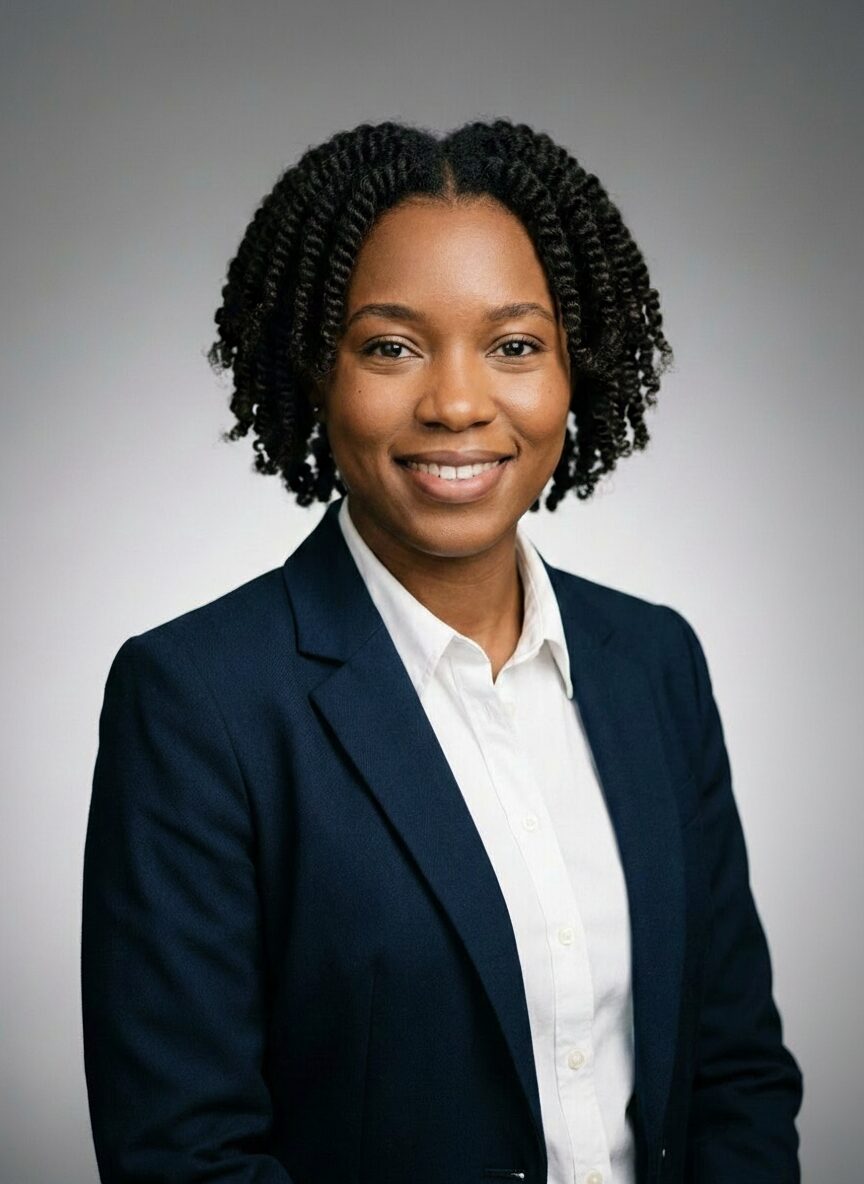
Corporate Studio
Clean studio lighting with neutral backdrop and executive posture.
Upload a few photos, choose your look, and review photographer-guided headshots designed for LinkedIn, websites, CVs, and business profiles.
Review your preview before you pay.
Show up with a polished, current headshot instead of an old crop or no photo at all.
Look credible across proposals, websites, speaking profiles, and client-facing material.
Get a professional portrait fast without planning a studio session around a busy calendar.
Most AI portrait tools treat a headshot like generic image generation. ioomm is different: it is built by a commercial photographer trying to recreate the pace, direction, and outcome of a real session in a simpler digital workflow.
Professional lighting and framing logic, not random portrait prompts.
A free preview flow so you can judge quality before paying.
Business-focused styles that fit LinkedIn, company pages, and speaking bios.
These are built for the kinds of portraits people actually use in business settings, not novelty avatars.
Clean studio lighting with neutral backdrop and executive posture.
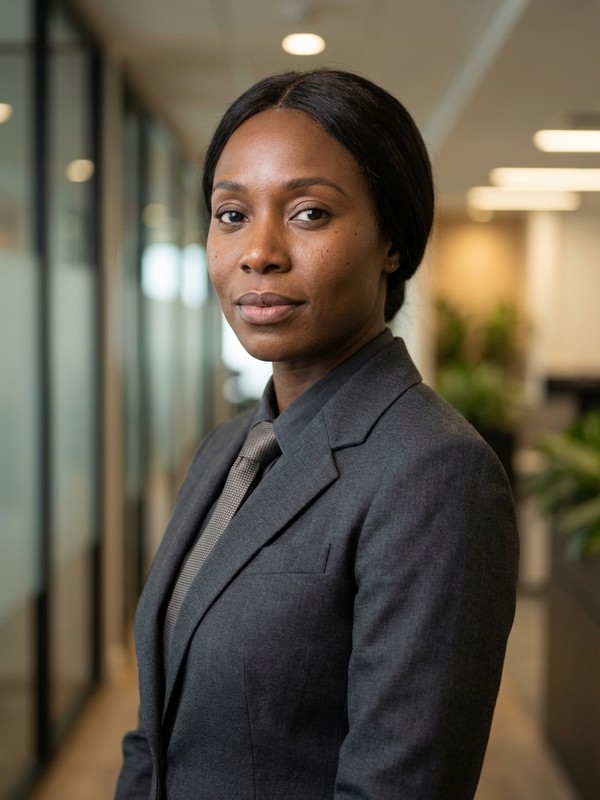
Modern office setting with natural window light and confident stance.
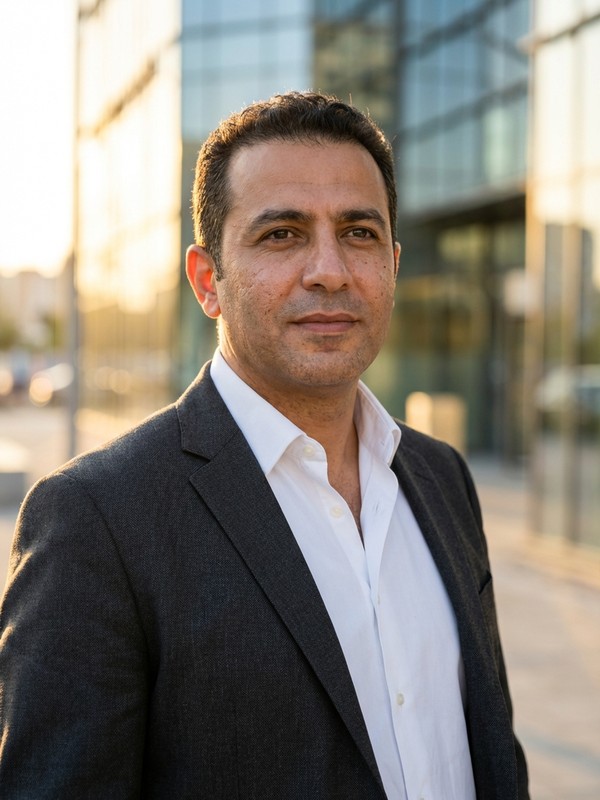
Golden-hour urban background with polished business casual framing.
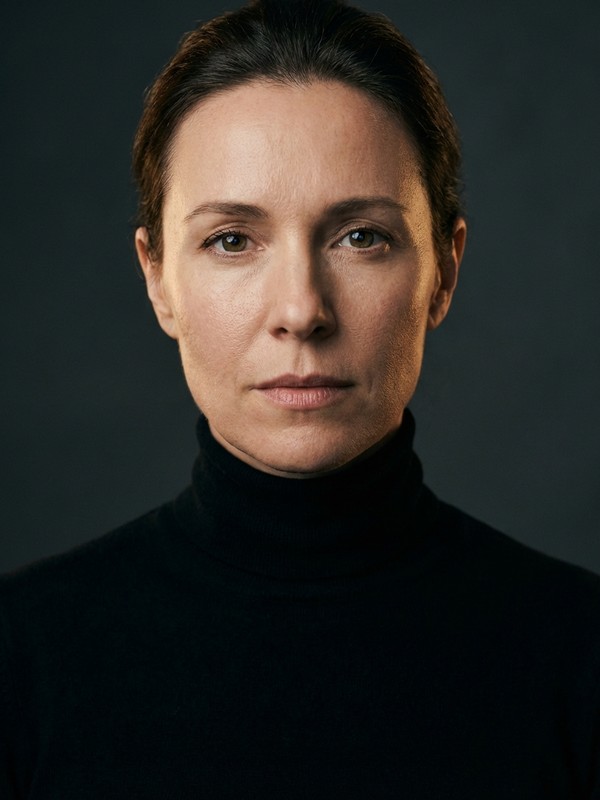
Magazine cover framing with editorial lighting and subtle drama.
Better input improves likeness. Use up to 3 photos of yourself with clear light, one person in frame, and a natural expression.
Choose clothing you would actually wear for your LinkedIn, company page, or meetings.
More than one good photo helps the system preserve your features and expressions more consistently.
A few common questions from people updating their business profile photo.
Use 1 to 3 clear photos of yourself, ideally in natural light, with your face fully visible. If you want a genuine smiling headshot, showing your teeth helps.
Yes. ioomm portraits are designed for professional use like LinkedIn, websites, speaking pages, CVs, and company profiles.
ioomm is built around the psychology and standards of a real photo shoot, with a photographer shaping the lighting, framing, and styling logic behind the results.
Start with a free preview and see whether the result feels like a real professional shoot before you commit.